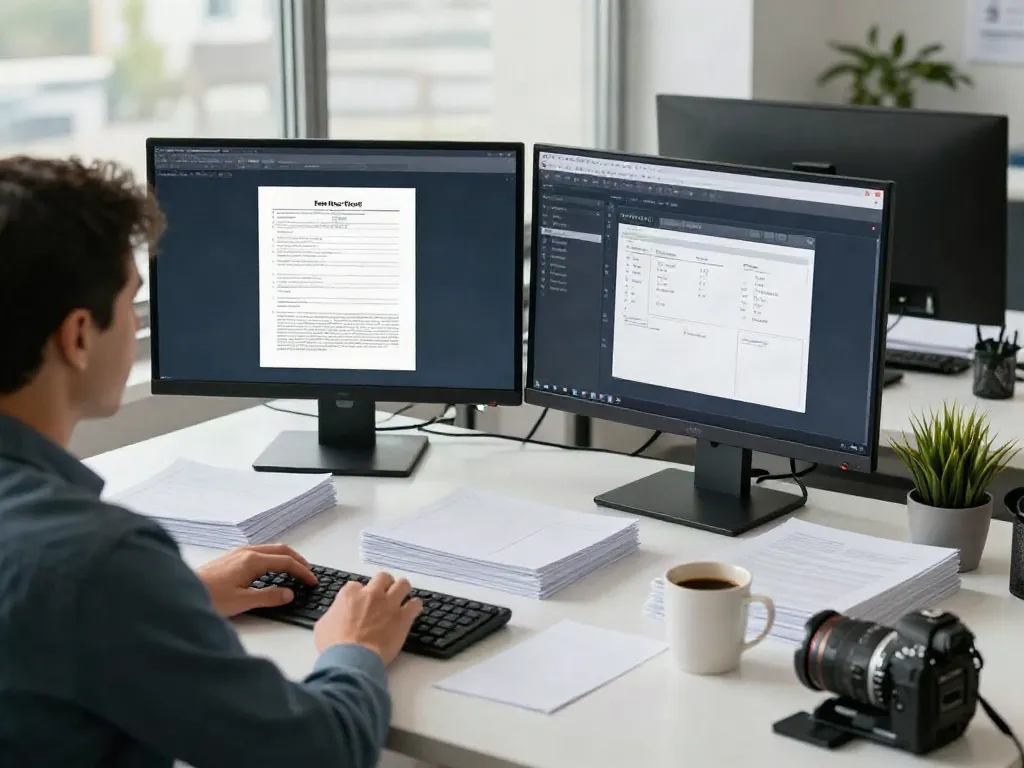
Understanding Professional Tax Software
In today's fast-paced financial environment, the demand for effective tax management tools continues to rise, making Professional Tax Software an essential consideration for tax businesses. This software serves as a pivotal resource for both new and established tax preparers, offering comprehensive solutions to streamline operations, enhance customer service, and ultimately increase profitability. As we move through 2026, understanding the intricacies of professional tax software becomes crucial for tax preparers who wish to maintain a competitive edge in their market.
What is Professional Tax Software?
Professional tax software is designed to facilitate the tax preparation process for professionals such as certified public accountants (CPAs), enrolled agents (EAs), and tax preparers. These software solutions automate various tasks—such as data entry, calculations, and compliance checks—allowing professionals to focus on providing quality service to clients. Various packages are available in the market, ranging from basic solutions suited for small practices to comprehensive software catering to large firms that handle complex tax situations.
Key Features of Effective Software
When evaluating professional tax software, several key features should be prioritized:
- User-Friendly Interface: Intuitive design aids navigability and minimizes the learning curve.
- Multi-User Access: Enables teams to collaborate efficiently with secure logins.
- E-Signature Functionality: Facilitates remote signing of documents, enhancing client convenience.
- Document Management: Captures, stores, and retrieves client documents securely, simplifying organization.
- Comprehensive Reporting: Generates customizable reports for insights into business performance and client status.
- Support and Training: Access to prompt customer service and training resources to maximize usage.
Comparing Options in 2026
The landscape of professional tax software is continually evolving. As we progress through 2026, it's essential to conduct a thorough comparison of available options. Popular software such as Drake Software, TaxSlayer, and Pro Tax Pro are noted for their robust features. Tax preparers should assess pricing structures, scalability, and specific functionalities that meet their unique business needs. Additionally, consider reading user reviews and obtaining demos whenever possible to gain insight into the usability and effectiveness of different platforms.
Choosing the Right Solution for Your Business
Choosing the ideal professional tax software is a pivotal decision that can significantly impact your tax business's efficiency and growth trajectory. Here are some factors to consider:
Assessing Your Needs
Start by analyzing the specific needs of your tax practice. Consider factors such as:
- Business Size: Are you operating as a solo practitioner, or do you manage a larger firm with multiple employees?
- Service Offerings: Do you provide basic tax services, or do you also handle complex returns, estate planning, or bookkeeping?
- Client Demographics: Understanding your clientele can direct you toward features that enhance their experience, like multi-language support.
Scalability and Flexibility
Your chosen software should not only meet your current needs but also adapt to future growth. Look for solutions offering flexible pricing plans, allowing you to scale features as your business expands. Whether adding new users or enhancing your feature set, a scalable solution is critical.
Integrating with Existing Systems
Consider how well the new software integrates with your existing tools—such as accounting software, CRM systems, and payment processors. Seamless integration can save time and reduce errors, allowing you to provide a more cohesive service to your clients.
Maximizing Efficiency with Professional Tax Software
Once you have selected the appropriate professional tax software, the focus should shift toward maximizing its efficiency through strategic utilization. Here are several actionable strategies:
Streamlining Document Management
A key advantage of professional tax software is its ability to streamline document management. Ensure that you are utilizing the software’s document storage features fully, allowing for easy retrieval and organization of client documents. This can drastically cut down on administrative time and enhance your client service.
Utilizing E-Signature and Paperless Features
Incorporating e-signature functionalities can significantly enhance the client experience. Clients can sign documents remotely, speeding up processes and reducing the need for in-person meetings. Additionally, embracing a paperless office can save costs associated with printing and shipping while contributing to environmental sustainability.
Generating Custom Reports for Insights
Harness the power of customizable reporting features to track key performance indicators for your business. Regularly generating and analyzing these reports can give you insights into profitability, client retention, and service efficiency, helping you make data-driven decisions.
Customer Support and Training Resources
The reliability of customer support and the availability of training resources can greatly influence your overall experience with professional tax software. Consider these aspects:
Finding Reliable Support
Choose software that offers robust customer support options. This can include live chat, phone support, and extensive online resources such as FAQs and tutorial videos. A responsive support team can be invaluable, especially during peak tax seasons.
Training Options for Staff
Ensure that your employees receive adequate training on the new software. Many providers offer webinars, training sessions, or detailed documentation to assist your team in getting up to speed quickly. Investing in training can lead to better performance and customer satisfaction.
Leveraging Online Resources
Take advantage of online resources such as forums, communities, and blogs dedicated to your chosen software. Engaging with other users can provide practical insights and advanced tips that enhance your utilization.
Future Trends in Tax Preparation Software
The future of tax preparation software is shaped by emerging technologies and evolving user needs. Staying abreast of these trends can position your business for success.
Emerging Technologies to Watch in 2026
As technology advances, tax software is becoming increasingly integrated with artificial intelligence (AI) and machine learning (ML). These technologies can help automate complex tasks, predict potential issues before they arise, and improve accuracy in tax preparation.
The Impact of AI on Tax Preparation
AI-driven tools can analyze a client’s financial history and provide tailored advice, which enhances the value of service provided. As AI becomes more prevalent, tax preparers will need to adapt, ensuring they stay compliant and maintain ethical standards while leveraging these tools.
Predictions for User Experience Enhancements
In 2026, we can expect a shift toward hyper-personalized user experiences, where software will adapt to individual user preferences and business models. Features like customizable dashboards and tailored interfaces will become more common, enabling tax preparers to work more efficiently.
What tax software is best for professionals?
Ultimately, the best tax software for professionals depends on individual business needs. Industry leaders typically include Drake Software, Pro Tax Pro, and TaxSlayer Pro, but it is essential to evaluate based on feature sets and support options that align with your practice.
How much does professional tax software cost?
Costs can vary widely based on features and provider. Basic packages may start at a few hundred dollars per year, while more comprehensive solutions can exceed several thousand dollars, especially when factoring in additional services or support.
What software do CPAs use for taxes?
CPAs often utilize software like Intuit ProConnect, Drake Tax, and Thomson Reuters UltraTax due to their extensive features and reliable support systems. Each CPA’s choice will depend on the specific services they offer and the needs of their clients.
What tax software does Dave Ramsey recommend?
Financial expert Dave Ramsey often emphasizes the importance of reliable, user-friendly software that protects user data. While he has not endorsed a specific tax software, many professionals in his community recommend well-established brands that offer robust features.
Can Professional Tax Software help with client communication?
Yes, many professional tax software solutions come equipped with CRM features that facilitate better communication with clients. Automated reminders, secure messaging systems, and client portals enhance the overall client experience and improve satisfaction.